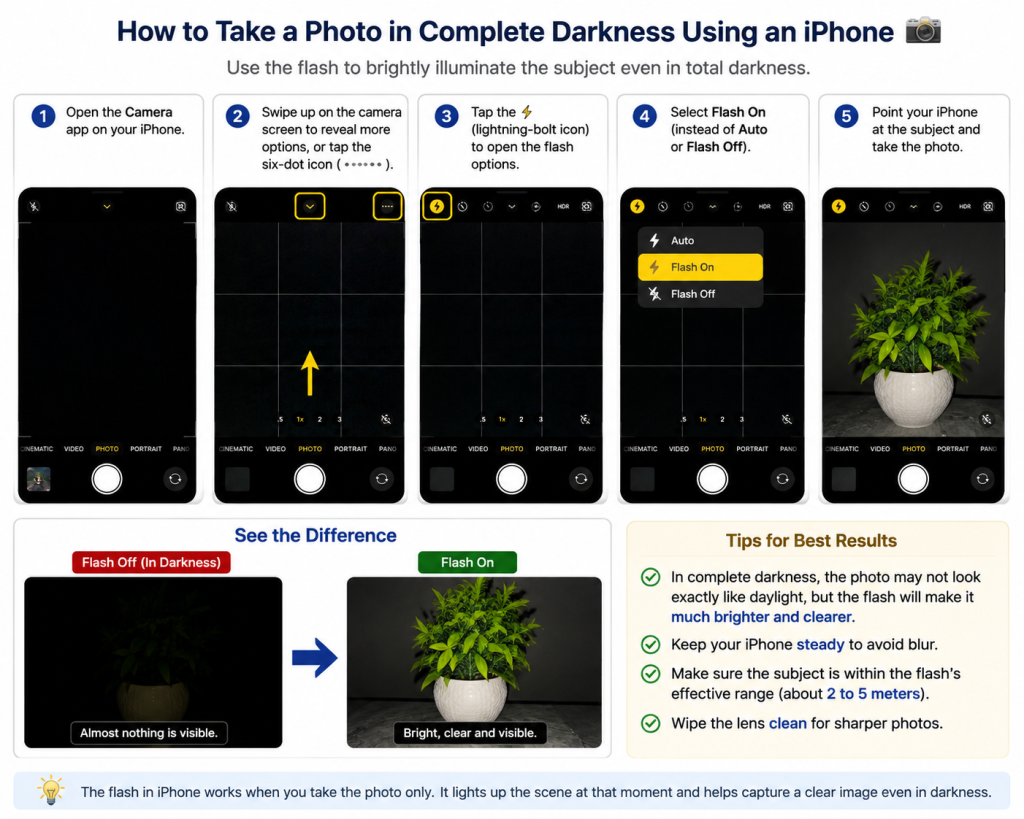
If you want to take a photo in complete darkness, you can use your iPhone’s camera flash to illuminate the subject.
1. Open the Camera app on your iPhone.
2. Swipe up on the camera screen to reveal the additional camera controls, or tap the six-dot icon if it appears.
3. Tap the ⚡ lightning-bolt icon to open the flash options.
4. Select Flash On instead of Auto or Flash Off.
5. Point your iPhone at the subject and take the photo.
The flash will illuminate the subject when you take the picture, making it much brighter and clearer, even in very dark conditions.
Tip: In complete darkness, the photo may not look exactly like it was taken in daylight. For better results, keep the iPhone steady and make sure the subject is within the flash’s effective range.