If you use Telegram on a desktop computer, it is important to log out when you have finished using it—especially if the computer is shared with other people. Logging out helps protect your privacy and account security and prevents others from accessing your Telegram account.
Follow these simple steps:
Open Telegram on your computer.
Click the ☰ menu (three horizontal lines) in the top-left corner.
Select Settings.
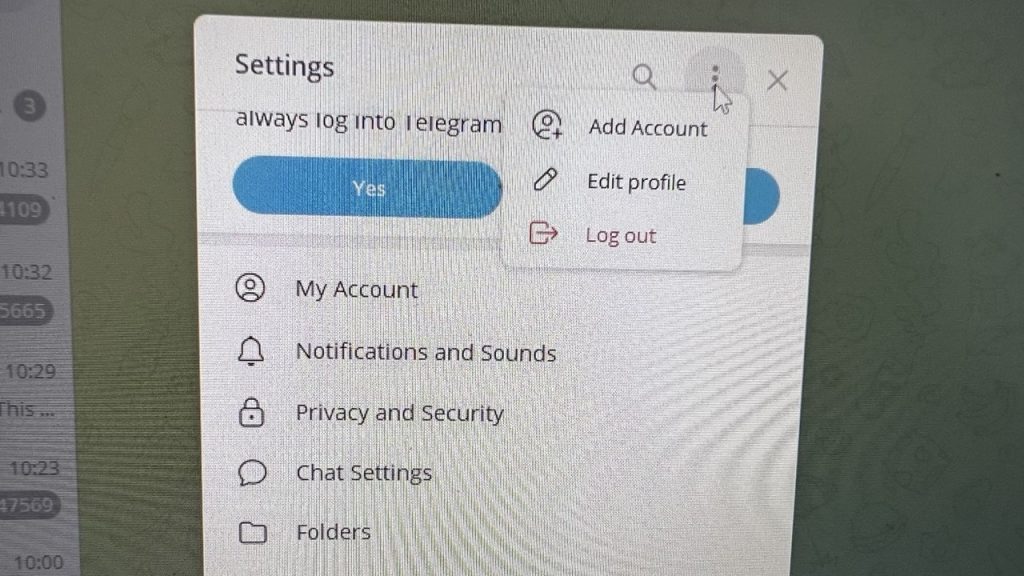
Click the ⋮ (three dots) in the top-right corner.
Select Log Out.
Confirm by clicking Log Out again.
Always remember to log out of Telegram when using a shared or public computer to prevent unauthorized access to your account.
The screenshot below shows where to find the Log Out option.