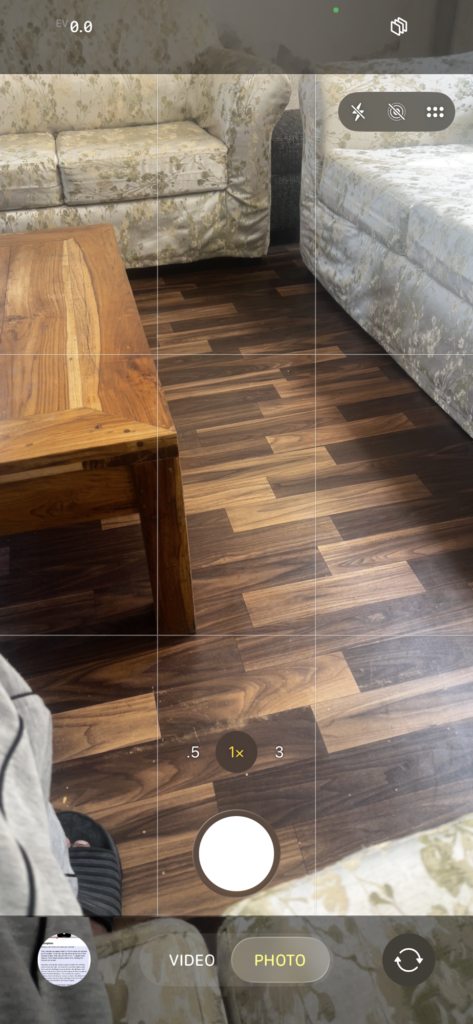
To make your iPhone camera display full screen while taking photos, you need to switch from the default 4:3 aspect ratio to 16:9. By default, the camera uses 4:3, which shows black bars at the top and bottom of the screen.
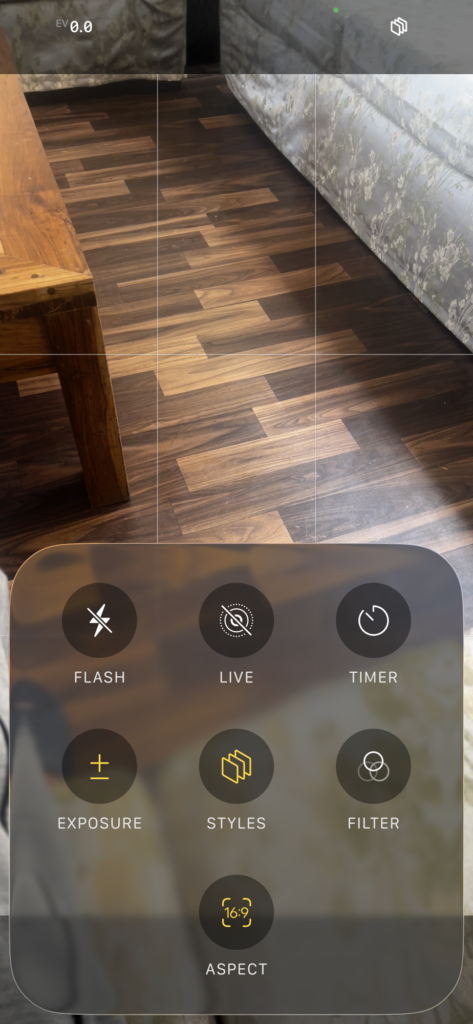
First, change the aspect ratio to 16:9. Open the Camera app, tap the six-dot (⋯⋯) menu at the top of the screen, then tap Aspect and select 16:9. This will make the camera view full screen.
To keep the camera in full-screen mode permanently, go to Settings > Camera > Preserve Settings, and turn on Creative Controls. This ensures that the selected 16:9 aspect ratio is saved and remains the default every time you open the camera.
And that’s how you can make your iPhone camera full screen while taking photos permanently.